
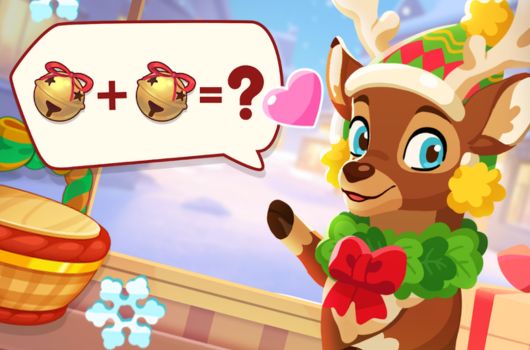
Phase 10: Casual Card Game is a mobile game created by Mattel163 Limited
Phase 10 redeem codes
PHANTOM5 Energy
COBWEB5 Energy
MOONSHINE5 Energy
MOSAIC5 Energy
ANTIQUE5 Energy
P10m20255 Energy {For New Players}
How to redeem Phase 10 codes
- 1
Launch Phase 10 Gift on your device and make sure you are signed in to your account.
- 2
Open the in-game menu and look for the Settings, Profile or Gift icon.
- 3
Tap the Redeem Code / Coupon Code option to open the redemption box.
- 4
Copy a working code from the Active Codes table above and paste it exactly as shown.
- 5
Confirm to redeem, then check your in-game mailbox or inventory for the Phase 10 Gift rewards.
Frequently asked questions
More games with codes
Evo Legends Codes
Published on October 19, 2026
11 Active Codes

Digimon Legacy Codes
Published on October 19, 2026
11 Active Codes
City Immortal Codes
Published on October 19, 2026
8 Active Codes
Dragon Ball: Return of the Dragon Codes
Published on October 19, 2026
5 Active Codes
Land of Empires Codes
Published on October 19, 2026
6 Active Codes
Shadow Ninja Fighter Codes
Published on October 18, 2026
60 Active Codes